Organizing a festival is akin to juggling a hundred balls at once – talent bookings, marketing campaigns, vendor logistics, volunteer rosters, production schedules, budgets… the list goes on. Without a good system to keep all these tasks organized, even the most seasoned producer can get overwhelmed. That’s where project management tools and techniques come in. They help corral the chaos into structured plans, assign responsibilities, track progress, and ensure everyone is on the same page. In this article, we’ll explore useful software tools (like Trello, Asana, Airtable, etc.) and methods (like Gantt charts, shared calendars, regular team check-ins, Agile vs. Waterfall approaches) to manage your festival planning effectively. The goal is to work smarter, not just harder, and keep your team aligned despite the moving parts.
Choosing the Right Project Management Tools
First, let’s talk about tools. There are many out there, and the “right” one often depends on your team’s size, preference, and the complexity of your festival. Here are a few popular ones and how they might be used in a festival context:
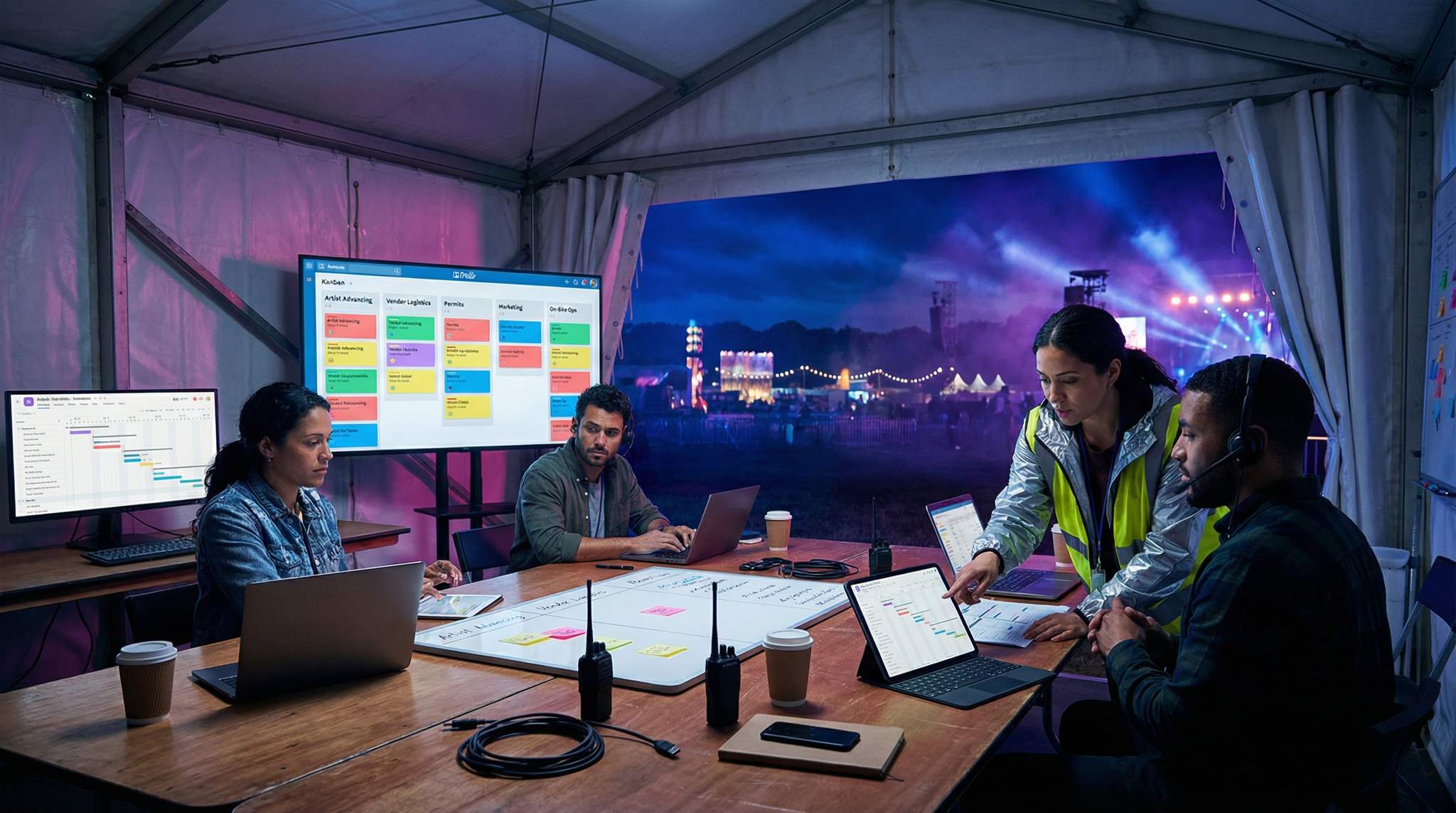
Trello: A user-friendly kanban board system. You create boards for different categories (e.g., Marketing, Operations, Programming, etc.), and within each board, you have lists (perhaps To-Do, In Progress, Done) and cards for individual tasks. Trello is great for visualizing work and moving tasks along a pipeline. For instance, you could have a “Booking” board with lists for each stage: “Artists to Approach,” “Offer Made,” “Contract Sent,” “Confirmed,” “On-Site.” It’s very intuitive for team members to pick up and update.
Asana: A more feature-rich platform that allows list views, boards, and timelines. You can assign tasks to people, set due dates, and comment within tasks. It’s powerful for projects that have sub-tasks and dependencies. Asana could help break down big tasks (like “Permits”) into subtasks (fire permit, health permit, etc.), each assigned to a team member with their own deadlines. It also has a calendar view and timeline (Gantt-like) view for sequencing tasks.
Free Tool: Size Your Festival Site
Zoned capacity planning for arena, campsite, parking and entry lanes — against UK Purple Guide and NFPA density standards. Finds your bottleneck zone.
Airtable: This is like spreadsheets on steroids. It’s highly customizable; you can create bases (databases) for various needs. Some festival teams use Airtable to manage artist booking lists, vendor contacts, or even volunteer sign-ups because it can handle lots of data and filter/sort it easily. Airtable also has a Kanban and calendar view. For example, an Airtable base could track all your vendors: contact info, what they’re selling, booth number assignment, payment status, etc. Another base could be the production schedule with fields for task, owner, deadline, status, and you can view it as a calendar or a timeline.
Microsoft Project or Smartsheet: These are more traditional project management tools known for Gantt charts and handling large project schedules. If you have a very complex timeline with many dependencies, a tool like MS Project or Smartsheet can be useful. However, they might be overkill for smaller festivals or teams not versed in PM software. They shine in creating a detailed critical path timeline and resource allocation.
Planning a Festival?
Ticket Fairy's festival ticketing platform handles multi-day passes, RFID wristbands, and complex festival operations.
Google Sheets / Excel: Sometimes simple is fine. A well-organized spreadsheet with tabs for each department’s tasks and a master timeline can do the trick. Use Google Sheets for easy sharing and live editing by multiple team members. You can use color coding or simple formulas to track status. Example: a “Master Timeline” sheet with columns (Task, Person, Due Date, Status, Notes) and then each team (Ops, Marketing, etc.) having their own tab for more detail. The key is discipline in updating it.
Calendars (Google Calendar / Outlook): Shared calendars are vital for key dates and meetings. Having a master shared Google Calendar with important deadlines (permit due dates, ticket launch, event dates, rehearsals) helps everyone visualize time. You might also have a separate one for on-site schedules once you get to event week.
Beyond general-purpose apps, you may also consider dedicated festival planning software. When evaluating an event management company or ticketing partner—such as Tixr, Eventbrite, or Ticketmaster—look closely at their built-in operational capabilities. The best platforms offer specialized event management tool features for festivals, such as credentialing, VIP guest management, and real-time sales reporting. Integrating these ticketing dashboards with your master festival planning checklist ensures that marketing milestones and revenue targets stay perfectly aligned with your production schedule.
Many teams use a combination: e.g., a Trello board for the day-to-day tasks and a Google Calendar for major milestones, plus maybe spreadsheets for budget tracking or guest lists. The important part is not having too many disconnected tools – pick a central hub that most tasks live in, so nothing gets forgotten.
Data-Driven Event Marketing
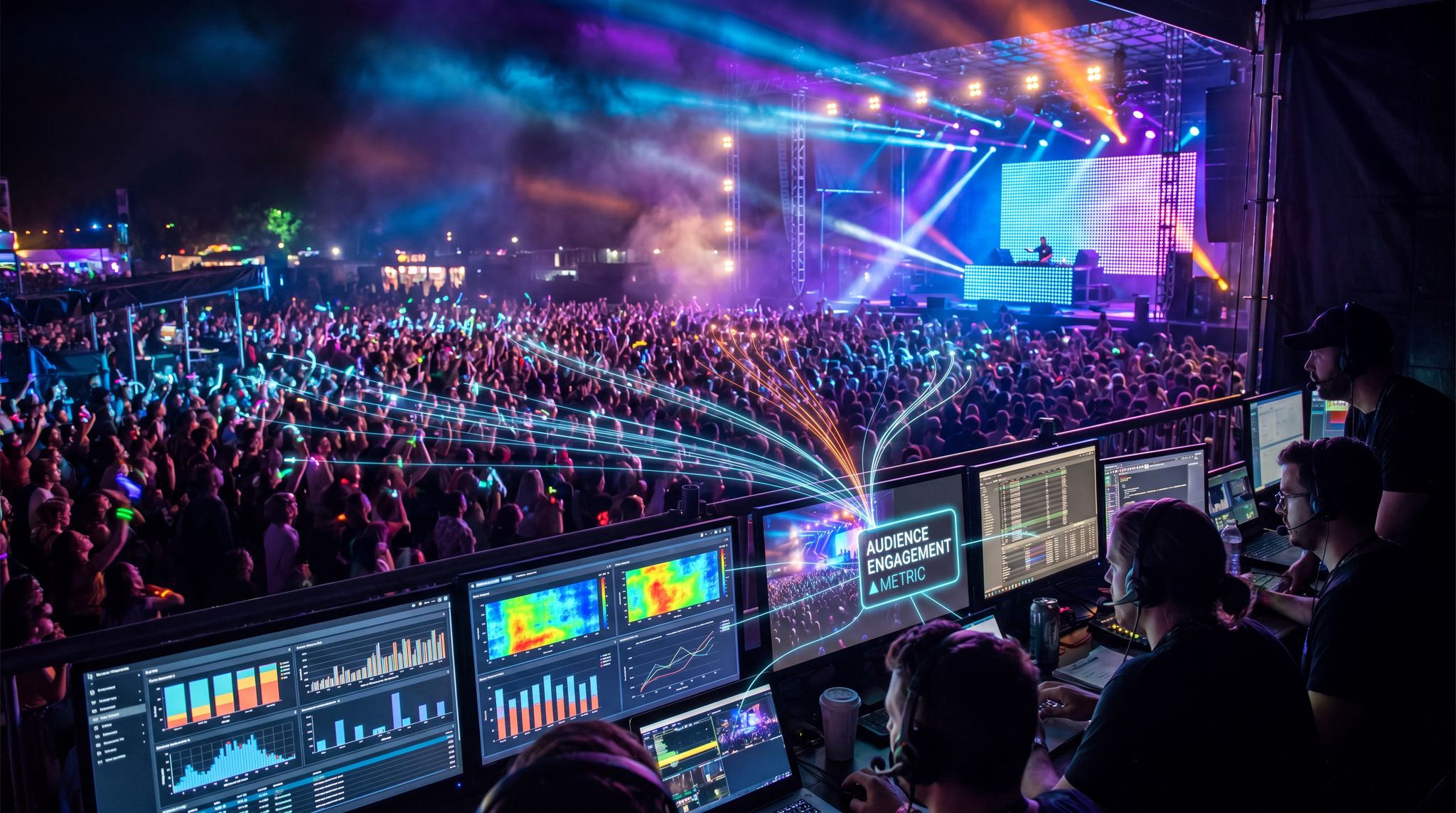
Track ticket sales, demographics, marketing ROI, and social reach in real time. Exportable reports give you the insights to make smarter decisions.
Essential Features to Look for in Festival Planning Software
While general project management apps are incredibly useful, scaling a large-scale event often requires specialized platforms. When evaluating festival planning software, organizers should prioritize specific capabilities that address live event logistics. Key event management tool features for festivals include robust credential and accreditation tracking, interactive site mapping, and integrated vendor management portals. Additionally, seamless API connections with your chosen event management company or ticketing provider (such as Tixr or Eventbrite) are crucial. This integration allows you to sync real-time ticket sales data directly with your master festival planning checklist, ensuring that marketing spends and operational budgets adjust dynamically based on actual revenue.
A Framework for Selecting Your Festival Planning Software
If you are wondering how to choose the right event management tool for your festival, start by auditing your team’s existing workflows. Map out your master festival planning checklist and identify where bottlenecks occur. Do you struggle most with vendor communication, volunteer scheduling, or tracking marketing spend? Once your pain points are clear, evaluate platforms based on scalability, user adoption rates, and integration capabilities. For instance, if your primary revenue driver is VIP experiences, ensuring your chosen platform syncs flawlessly with a top-tier event management company—like Tixr—is non-negotiable. The ideal festival planning software shouldn’t force you to change your entire production style; rather, it should streamline your existing processes and provide a centralized source of truth for all stakeholders.
Need Festival Funding?
Get the capital you need to book headliners, secure venues, and scale your festival production.
Integrating Festival Ticketing Essentials into Your Workflow
A critical component of your overall tech stack involves mastering festival ticketing essentials. For any seasoned producer, a ticketing platform is more than just a point of sale; it is the financial engine driving the entire production. Core requirements include dynamic tiered pricing, seamless VIP upgrade paths, robust access control (like RFID or mobile scanning), and comprehensive real-time reporting. When these essential ticketing features are deeply integrated with your festival management software, your team can make data-driven decisions on the fly. For example, if VIP sales surge unexpectedly, an integrated system automatically alerts the operations team to increase premium hospitality orders and adjust site maps accordingly.
General PM Tools vs. Dedicated Festival Management Software
While general-purpose apps like Asana or Trello are fantastic for task tracking, many organizers eventually hit a ceiling as their events grow. This is when upgrading to dedicated festival management software becomes essential. Unlike standard project trackers, specialized music festival management software is purpose-built for live event workflows. These platforms often include native modules for artist advancing, stage plot management, vendor contract execution, and volunteer shift scheduling. If your team is spending hours manually transferring data between spreadsheets, ticketing dashboards, and email threads, investing in comprehensive festival event management software can centralize those operations, reducing errors and saving valuable pre-production time.
The Role of Specialized Festival Organization Software
As your production scales, you may find that generic task trackers lack the structural depth needed for live events. This is where deploying dedicated festival organization software becomes a game-changer. Unlike basic to-do lists, these specialized organizational platforms are designed to handle the complex, multi-layered data structures unique to our industry. They allow producers to centralize vendor compliance documents, manage intricate volunteer databases, and track health and safety certifications in one unified hub. By utilizing robust event organization tools, your core team can instantly access critical operational data during the chaotic build week, ensuring that no permit or contract slips through the cracks.
Implementing a Centralized Festival Management System
At a certain scale, piecing together disparate apps creates friction, prompting producers to implement a unified festival management system. This type of end-to-end platform acts as the central nervous system for your entire event, bridging the gap between front-facing ticketing operations and back-of-house logistics. A robust management system will natively sync your box office data, vendor applications, and staff credentialing into one dashboard. By migrating to a comprehensive festival management system, organizers eliminate the dangerous data silos that occur when the marketing team is looking at a different spreadsheet than the site operations crew.
Smooth Entry With Mobile Check-In
Scan tickets and manage entry with our mobile check-in app. Supports photo ID verification, real-time capacity tracking, and multi-gate coordination.
Evaluating the Best Project Management Tools for Your Scale
When organizers ask, “what are the best project management tools?”, the answer heavily depends on the scale and scope of your production. For a boutique gathering, a simple Kanban board might suffice. However, as you scale into multi-stage, multi-day operations, relying solely on generic apps can create dangerous blind spots. This is where transitioning to dedicated festival planner software becomes critical. A robust music festival planning software suite will natively handle complex advancing, credential matrices, and multi-departmental budgeting—features that standard task trackers simply aren’t built to manage out-of-the-box. By adopting specialized festival software early in your growth phase, you prevent data silos and ensure your core production team isn’t wasting hours building custom spreadsheet workarounds.
Transitioning to a Comprehensive Festival Planner Platform
As your event portfolio expands, piecing together multiple generic apps can lead to communication breakdowns. Upgrading to a unified festival planner platform allows producers to consolidate their entire workflow into a single dashboard. A robust system goes beyond basic task assignment, offering specialized modules for site operations, talent advancing, and sponsor deliverables. By centralizing these critical functions, a dedicated festival planner ensures that your core team, external vendors, and temporary staff are all operating from the same real-time data, significantly reducing the risk of miscommunication during the high-stakes build week.
Key Components of a Festival Planner Program
When evaluating a dedicated festival planner program, organizers should look beyond basic task assignment. A comprehensive software suite tailored for live events must include specialized modules that address the unique logistical hurdles of festival production. Look for a program that offers native credential matrices, interactive site mapping, and automated artist advancing workflows. By adopting a robust event planning program, your production team can seamlessly transition from pre-event conceptualization to on-site execution without losing critical data in translation.
Organizing Tasks and Timelines (Gantt Charts & Boards)
However you plan, two views are often needed: a detailed task list and a high-level timeline.
Gantt Charts/Timeline Views: These show tasks over time and their overlaps/dependencies. They’re excellent for ensuring your sequencing is right (as we discussed in the Production Schedule article). You can make Gantt charts in Asana (Timeline view), MS Project, Smartsheet, or even manually in a spreadsheet by shading cells. A timeline view helps answer: When should each major thing happen? Are we on track? Example: It will clearly show if “Finalize site plan” is scheduled after “Apply for fire permit” – which would be wrong because you often need the site plan to get the permit. Thus, you’d adjust timeline accordingly. Gantt charts are also useful to spot if too many critical tasks are happening at the same last week (which is a risk).
Kanban Boards: Tools like Trello or even Jira (if you used Agile) let you move tasks through stages. This is great for repetitive workflows or just to get an overview of progress. For instance, a board could show the status of every marketing item: “Not started,” “Drafting,” “Under Review,” “Scheduled,” “Completed.” It’s very clear then how marketing tasks are moving forward. For volunteer management, you could have columns like “Interviewing,” “Accepted,” “Scheduled for Training,” etc. Each card being a volunteer applicant.
Free Tool: Project Your Bar Revenue
Per-head spend benchmarks by event type turned into projected bar and food revenue, with a stock-mix estimate and gross-margin line. Free calculator.
To-Do Lists and Checklists: Within larger tasks, maintain checklists. Many tools let you add a checklist to a task card. For example, a task “Prepare Main Stage” could have subtasks: “Lay stage floor,” “Set up truss,” “Hang speakers,” “Sound check A/V,” “Tape down cables, do safety walk-through.” Checking off each ensures thoroughness.
Documentation & File Sharing: Use collaborative docs (Google Docs, Dropbox, etc.) for housing important info – like the production manual, site maps, CAD drawings, emergency plans. Link these in your PM tool tasks (e.g., the task “Draft Emergency Plan” could have a Google Doc attached where that plan is written). This way, when it’s completed, everyone can access the final doc easily.
How to Integrate Event Planning Timelines with Project Management Software
One of the most common challenges producers face is keeping high-level schedules synced with daily task execution. To successfully integrate event planning timelines with project management software, start by establishing a master critical path—often built in a dedicated Gantt tool or spreadsheet—and then map those major milestones directly into your daily task tracker. For example, if your master timeline dictates that site permits must be secured by March 1st, that milestone should automatically trigger dependent sub-tasks (like drafting site maps and submitting applications) within Asana or Trello. By linking these high-level dates to granular workflows, you ensure that a delay in a single task automatically updates the broader production schedule, giving department leads real-time visibility into how their daily work impacts the overall festival delivery date.
Leveraging Music Festival Scheduling Software
When dealing with multi-stage lineups, generic timeline views often fall short. This is where dedicated music festival scheduling software proves invaluable. These specialized platforms allow producers to map out complex artist set times, coordinate stage changeovers, and manage technical crew shifts down to the minute. By utilizing purpose-built music festival software, organizers can automatically detect scheduling conflicts—such as overlapping soundchecks or double-booked backline equipment—long before the gates open. Integrating these scheduling tools with your broader project management ecosystem ensures that your production managers, stage managers, and artist liaisons are all operating from a single, conflict-free run of show.
Regular Team Check-Ins (“Scrum” Meetings)
No tool can replace good communication. Regular team meetings are a cornerstone of project management to keep everyone aligned:
- Weekly All-Hands or Team Lead Meetings: In early to mid planning, a weekly check-in with all department leads keeps momentum. Each person quickly reports what they did last week, what’s coming this week, and flags any blockers (issues holding them up). This is similar to a scrum-of-scrums if you follow Agile methodology. Keep these meetings focused, maybe 30-60 minutes, and use the project timeline to structure the agenda (e.g., “We’re 4 months out, this week’s priorities are X, Y, Z – let’s hear status on those”).
- Daily Stand-Ups Closer to Event: As you get into the final weeks, you might do daily quick stand-ups (even 15 minutes). If your team is co-located, literally stand in a circle and do this; if remote, a quick video call. Each person says their focus for the day and any urgent issues. This ensures no one is duplicating work or dropping a ball in the crunch time.
- Scrum Techniques: In Agile (commonly used in software but applicable to events), teams work in “sprints” with a backlog of tasks, daily stand-ups, and retrospectives. For a festival, you might not follow Agile strictly because you have a hard deadline (event date) – that’s more like Waterfall with fixed milestones. But you can still use Agile elements: break the project into phases (sprints) like “Sponsorship Sprint” for 4 weeks to lock sponsors, then “Marketing Sprint” focus, etc. After each, reflect on what went well (retro).
- Issue Tracking: If problems or change requests come up (and they will), have a system. Some use an issue log in a sheet or a channel (like a Slack channel #issues where anyone can raise a concern). Assign someone to resolve each issue and track it in your PM tool. For example, volunteer T-shirt color clashing with staff shirts – small issue, but if raised, it gets assigned to the Ops Manager to adjust order, and marked resolved when done. Logging these ensures nothing is forgotten.
Keeping Everyone Aligned with Methodologies
Waterfall vs. Agile vs. Hybrid: Traditional events often plan in a Waterfall style – a sequence: plan -> execute -> event -> postmortem. However, events also need flexibility and iterative improvement, so some Agile thinking helps.
No Hidden Fees, Just Honest Pricing
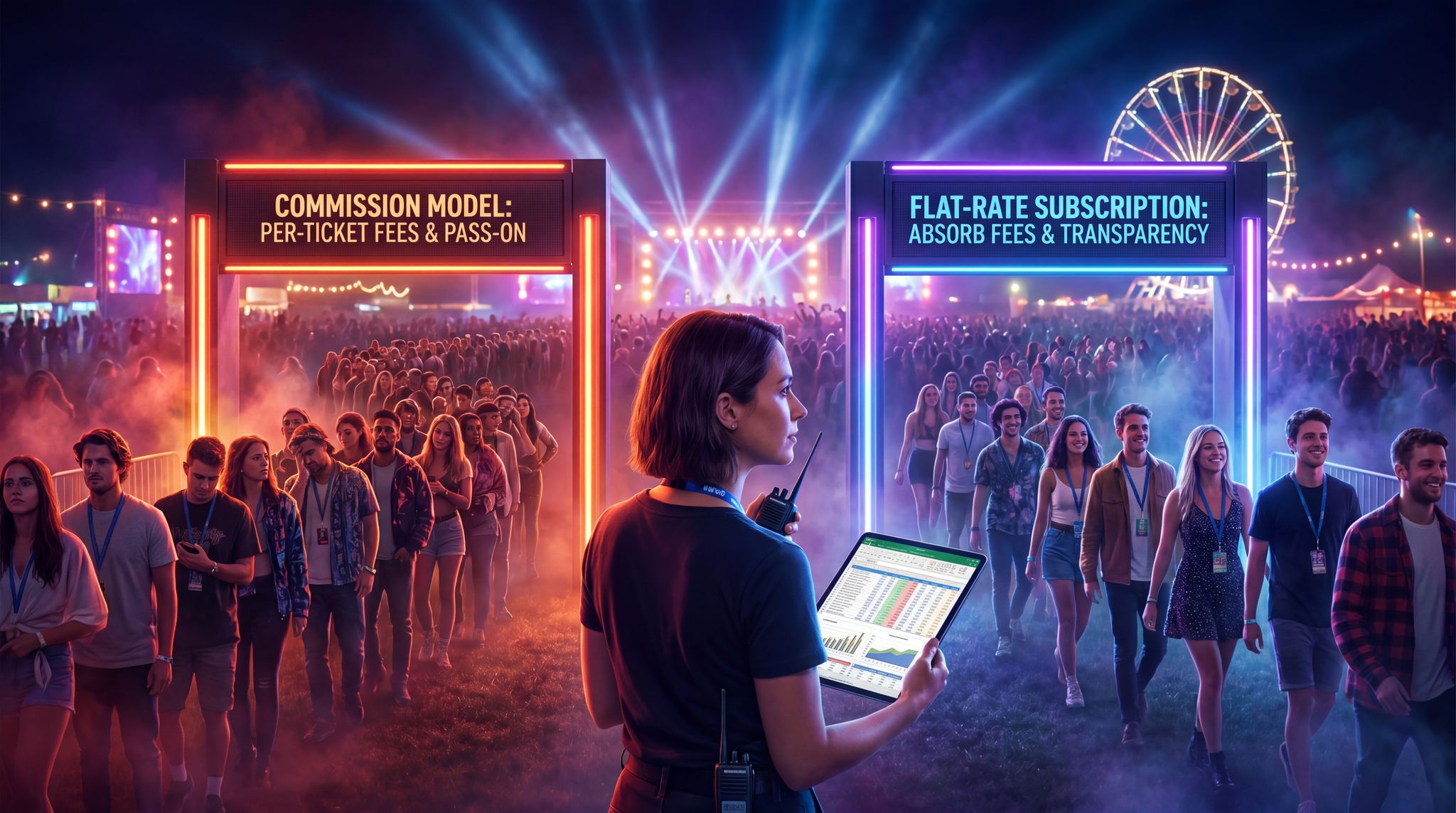
One all-inclusive fee covers the platform, payment processing, support, and every feature. Free events are always free. No setup costs, no surprises.
- Waterfall Aspects: There’s a fixed timeline, dependencies, and a final deliverable (the festival date). You can’t move the date easily, and some tasks (permits, bookings) have to happen by certain deadlines – very Waterfall.
- Agile Aspects: Things change – an artist drops out (scope change), new opportunities arise (sponsor wants in late), weather forecast requires change in plan. Being agile here means having processes to adapt quickly. Maybe you occasionally reprioritize tasks on the fly (like scrap one marketing plan in favor of another that’s trending).
- Hybrid Approach: Many festival teams plan most things rigidly (the critical path), but keep a buffer or backup options (like risk plans, see next article on risk). They might also iterate on parts of the festival concept as they go (e.g., you planned for 4 stages, but maybe it becomes clear 3 stages are enough – so you pivot mid-planning).
The key technique is transparency: Everyone should have visibility into the plan. Whether through shared tools or regular updates, keep the info flowing. If the marketing team delays something by a week, they should update the timeline or inform others so that, say, the ticketing team doesn’t think they’re still on the old schedule.
Also important is a change log of sorts. If a major change happens (like a venue change or date change – hopefully not, but just in case), formalize how that’s communicated and update all related tasks. Possibly call a special meeting to realign everyone and adjust the plan in the PM tool accordingly.
Adapting Tools to the Festival’s Dynamics
Festivals have dynamic periods (like the event weekend) and long static periods (like the months where planning is slow). Use tools accordingly:
- During slow planning months, a weekly update in Asana might suffice.
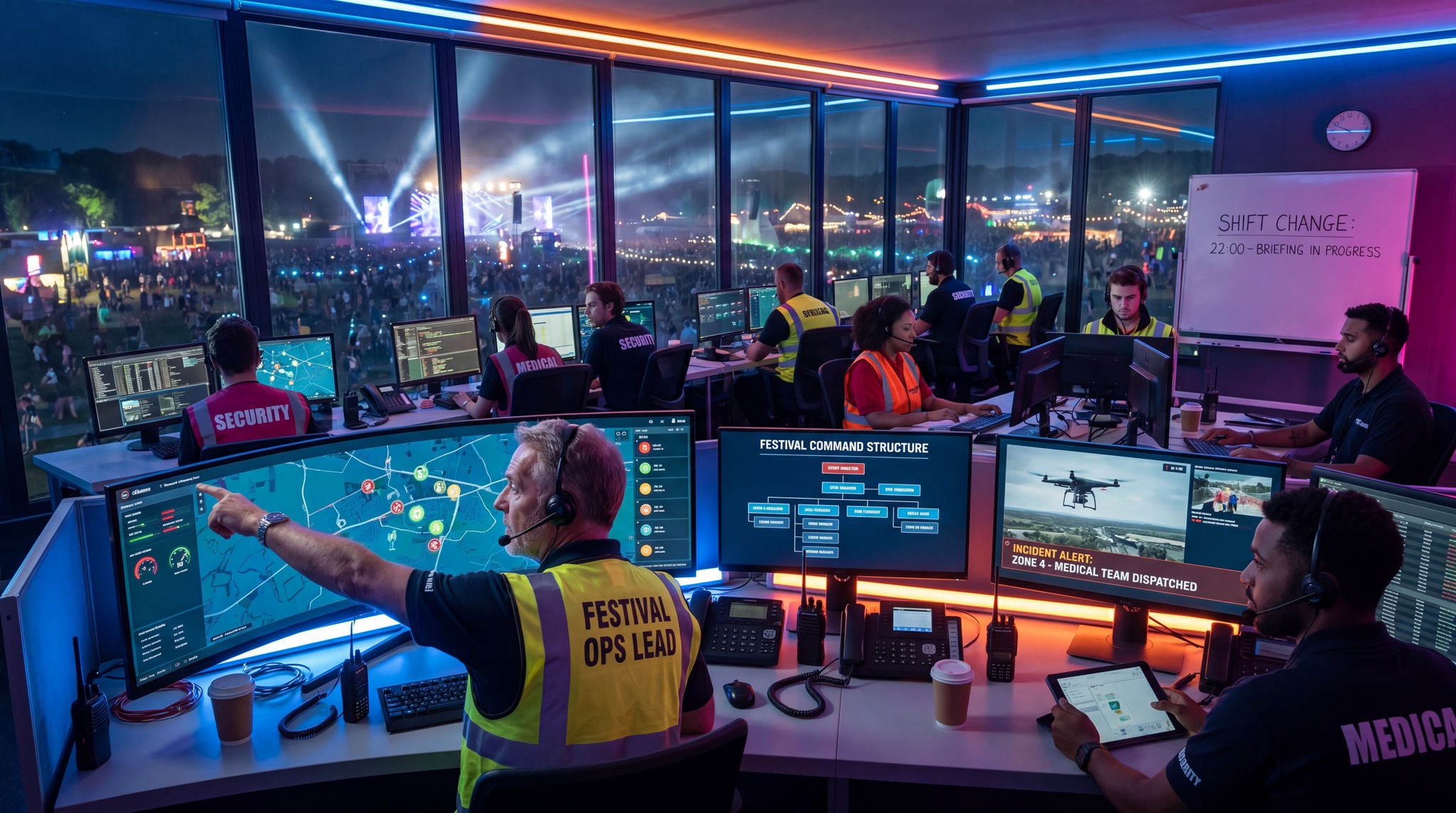
- During the event week, your tool might not capture real-time issues – that’s where on-ground communication (radios, a command center with a whiteboard timeline of each day) comes in. You could use something like Slack for constant comms among leads during the event (some teams have a Slack channel for live problem-solving during the event).
- After the event, update the project management tool with actuals (what actually happened) and mark all tasks complete or note what went unfinished for the post-mortem.
One technique from Scrum is the retrospective – after the festival, do a review meeting (which we’ll discuss in the iterative planning article). But from a PM perspective, also review your tools: Did the team actually use Trello as intended? Did people ignore the Gantt chart? Maybe the tool was too complex or not mobile-friendly enough for on-site use. Adjust for next time – maybe simpler checklists are better for your crew, or a different tool if people found it cumbersome.
Summary of Best Practices
- Centralize Information: Avoid scattering info in too many places. People should know where to look for the latest plan (the master schedule on Google Sheets, or the Asana board – pick one and ensure it’s updated).
- Train the Team: Not everyone might be familiar with the tools you choose. Take time to onboard folks on how to use them, set expectations (e.g., “Please update your task status every Friday”).
- Use Notifications and Reminders: Many tools can send email reminders or have calendar sync for deadlines. This helps individuals keep track of their deliverables.
- Stay Flexible: A tool should serve you, not box you in. If something isn’t working, tweak the process. Sometimes in crunch mode, a quick phone call resolves more than a long PM tool update. Use human judgment.
In essence, project management for festivals is about visibility, accountability, and adaptability. The right tools and techniques put everyone on the same map, allow the project leaders to see progress and bottlenecks, and provide the means to pivot when required. When done well, it reduces “oops I forgot” moments and stress, because you have a clear plan and way to track it. Every minute spent organizing is an hour saved in execution, they say. For a festival, I’d say every bit of organization might save a disaster or at least a headache down the line. So invest in a good system, and your future self (standing calmly at the festival instead of running around in panic) will thank you.
Frequently Asked Questions
What are the best project management tools for festival planning?
Popular project management tools for festival planning include Trello for visual Kanban boards, Asana for detailed task lists and timelines, and Airtable for managing large databases like artist bookings. For complex schedules with dependencies, Microsoft Project or Smartsheet are effective, while Google Sheets offers a simple, collaborative solution for smaller teams.
Why should festival organizers use Gantt charts?
Gantt charts are essential for festival planning because they visualize tasks over time, highlighting overlaps and dependencies. This view ensures correct sequencing, such as finalizing a site plan before applying for permits. They also help organizers identify critical paths and avoid scheduling too many critical tasks simultaneously during the final weeks.
How can Trello be used for festival artist booking?
Trello streamlines festival artist booking by using a Kanban board to visualize the pipeline. Teams create lists representing stages like “Artists to Approach,” “Offer Made,” “Contract Sent,” and “Confirmed.” Individual cards for each artist move across these lists, allowing the entire team to track booking status intuitively.
Is Agile or Waterfall better for festival production?
Festival production often requires a hybrid approach combining Waterfall and Agile methodologies. Waterfall suits fixed deadlines and sequential tasks like permitting, while Agile offers flexibility for scope changes, such as artist cancellations or weather issues. This combination allows teams to maintain a critical path while adapting to inevitable changes.
How often should festival teams hold planning meetings?
Festival teams should conduct weekly all-hands or lead meetings during the early to mid-planning phases to report progress and flag blockers. As the event date approaches, teams often switch to daily stand-ups, lasting about 15 minutes, to ensure focus and resolve urgent issues quickly during crunch time.
What are the benefits of using project management software for events?
Project management software provides visibility, accountability, and adaptability for event planning. These tools centralize information to prevent data silos, allow leaders to track progress and identify bottlenecks, and enable teams to pivot quickly when plans change. A structured system reduces stress and ensures critical tasks are not forgotten.
How do I choose the right event management tool for my festival?
To choose the right event management tool for your festival, evaluate your team’s specific needs, the complexity of your event, and your budget. Look for essential event management tool features for festivals, such as real-time collaboration, Gantt chart timelines, budget tracking, and integration capabilities with your ticketing provider. A platform that easily accommodates your master festival planning checklist and scales as your event grows is typically the best choice.
What should be included in a comprehensive festival planning checklist?
A comprehensive festival planning checklist should cover all phases of production, from initial concept and budgeting to post-event wrap-up. Key categories include talent booking, venue permitting, vendor logistics, marketing rollouts, ticketing setup (often coordinated with your event management company), and on-site operations. Breaking these categories down into actionable tasks within your festival planning software ensures no critical deadlines are missed.
How does ticketing software integrate with a festival planning checklist?
Integrating your ticketing platform or event management company (like Tixr) with your festival planning checklist allows organizers to trigger operational tasks based on sales milestones. For example, reaching a specific ticket sales threshold can automatically notify the production team to scale up restroom rentals or adjust VIP hospitality orders within your festival planning software.
When should I upgrade to dedicated music festival management software?
You should consider upgrading to dedicated music festival management software when general project management tools no longer support your operational complexity. If your team struggles with fragmented workflows—such as managing artist advancing, vendor contracts, and volunteer schedules across dozens of disconnected spreadsheets—specialized festival event management software provides a centralized, purpose-built solution to streamline those specific live event processes.
What is the best festival planner software for large-scale events?
The best festival planner software for large-scale events goes beyond basic task management to offer specialized modules for live event production. Top-tier music festival planning software includes native features for artist advancing, credential management, site mapping, and real-time ticketing integration. Rather than relying on generic project management tools, mega-festival producers use these dedicated platforms to centralize communication and eliminate data silos across dozens of departments.
What features define a top-tier festival planner platform?
A top-tier festival planner platform integrates standard task tracking with live-event-specific modules. Key features typically include interactive site mapping, talent advancing portals, credential matrices, and real-time budget syncing. Unlike generic software, these platforms are purpose-built to handle the unique logistical demands and rapid scaling required during event production.
What are the benefits of using dedicated music festival scheduling software?
Dedicated music festival scheduling software allows organizers to manage complex multi-stage lineups, coordinate precise stage changeovers, and track technical crew shifts. Unlike generic project management tools, this specialized music festival software can automatically flag conflicts like overlapping soundchecks or double-booked equipment, ensuring a seamless run of show for production teams and artists.
What are the festival ticketing essentials organizers should look for?
Core festival ticketing essentials include robust access control, dynamic tiered pricing structures, seamless VIP upgrade paths, and real-time sales reporting. Integrating these fundamental features with your festival management software ensures that marketing budgets, site operations, and overall project planning remain perfectly aligned with actual revenue data.
What are the core benefits of festival organization software?
Festival organization software provides specialized infrastructure for managing the complex data of live events. Unlike standard task trackers, these platforms centralize vendor compliance, volunteer databases, and health and safety documentation, ensuring producers have immediate access to critical operational records during the event build and execution phases.
What is a festival management system?
A festival management system is an end-to-end software platform designed specifically for live event producers to centralize their operations. Unlike generic task trackers, these systems integrate ticketing data, vendor logistics, staff credentialing, and site mapping into a single unified dashboard, eliminating data silos across different production departments.
What are the core features of a festival planner program?
A robust festival planner program includes specialized modules tailored for live events, such as interactive site mapping, automated artist advancing, credential management, and real-time budget syncing. These programs go beyond standard task trackers by providing a centralized hub for all production data, ensuring seamless communication between internal teams and external vendors.
How do you integrate event planning timelines with project management software?
To effectively integrate event planning timelines with project management software, organizers should link their master critical path directly to daily task boards. This involves setting major milestones (like permit deadlines or talent announcements) in a timeline view, and then breaking those milestones down into actionable sub-tasks assigned to specific team members. When these systems are synced, any shift in a granular task automatically updates the broader production schedule, ensuring all departments remain aligned.